Design a fishing lure, from shape to prototype.
MakeMyLure is browser-based fishing lure design software for makers who want to shape a lure, compare its simulated action and prepare a physical prototype in one workflow.
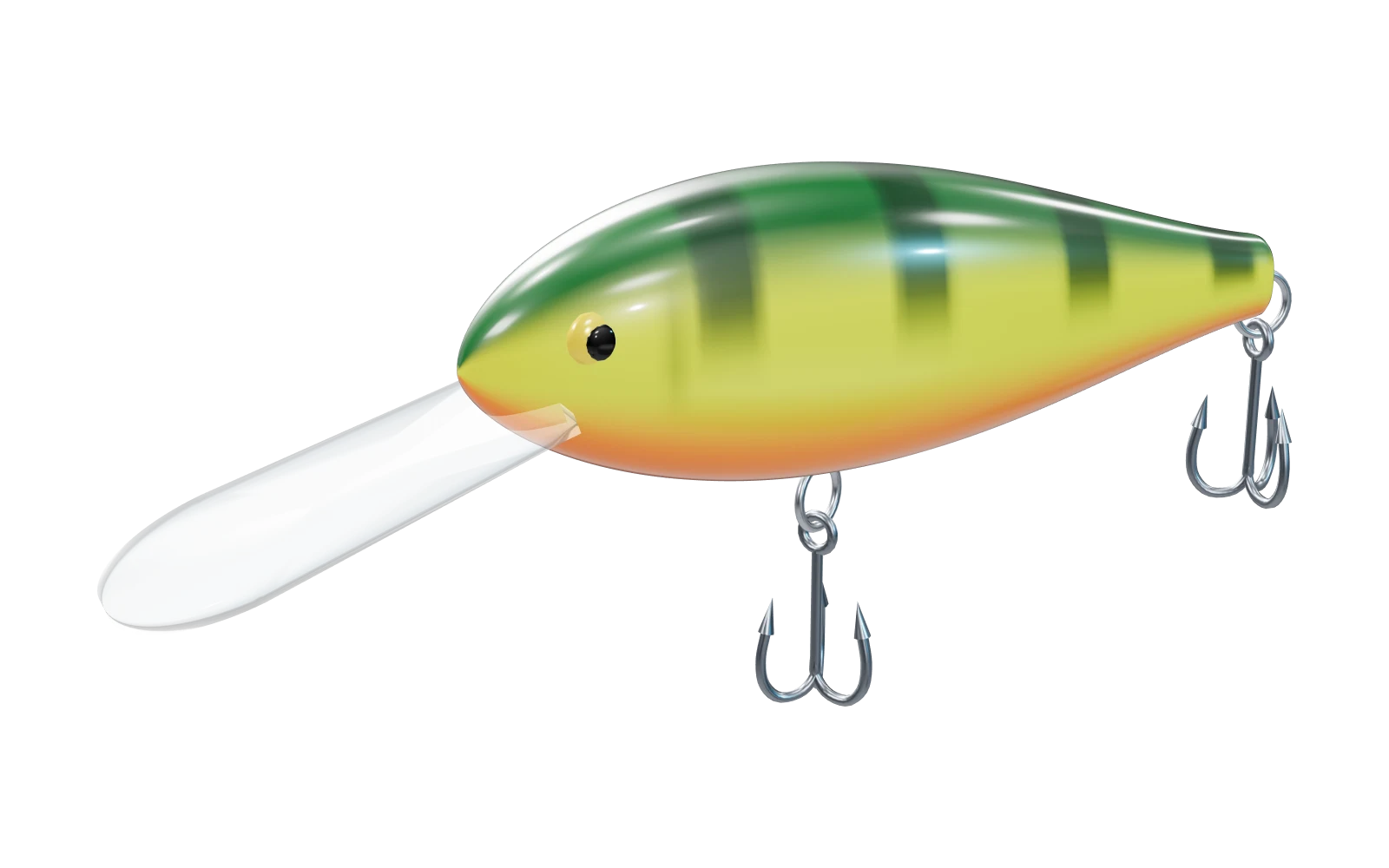
One design, three useful views
Shape the body
Start from a hard-bait, jointed-bait or soft-bait preset. Adjust body dimensions and profile, bill geometry, hook positions and ballast. Add paint without changing the physical geometry.
Check balance and action
Inspect mass, buoyancy and the centres of mass and buoyancy. Switch to simulation to compare retrieve settings and watch the resulting depth, attitude and line tension. Change one parameter at a time.
Prepare a prototype
Generate split-shell parts for hard baits, section parts for jointed designs or a two-part mold for supported soft baits. Review the assembly instructions and print diagnostics before exporting.
Keep the design and share a view
Save a design JSON on your device, or sign in to keep cloud designs in My account. A shared preview lets other people inspect the model and swim simulation with the design parameters locked. Signed-in visitors can copy a preview to their own workspace.
What the browser tool can tell you
The model helps compare design choices; it does not certify a lure’s real-world action or print strength. Printer calibration, materials, hardware, sealing and water conditions still need physical testing. Use a modern browser with WebGL 2 and WebAssembly.
Continue with a worked example
Follow the full design-to-print workflow, then compare a published simulation example before changing your own design.