Turn a lure design into a printable prototype.
Design 3D-printed fishing lures in your browser, generate the parts and inspect them before download. MakeMyLure exports STL ZIP and 3MF files for the next step in your slicer.
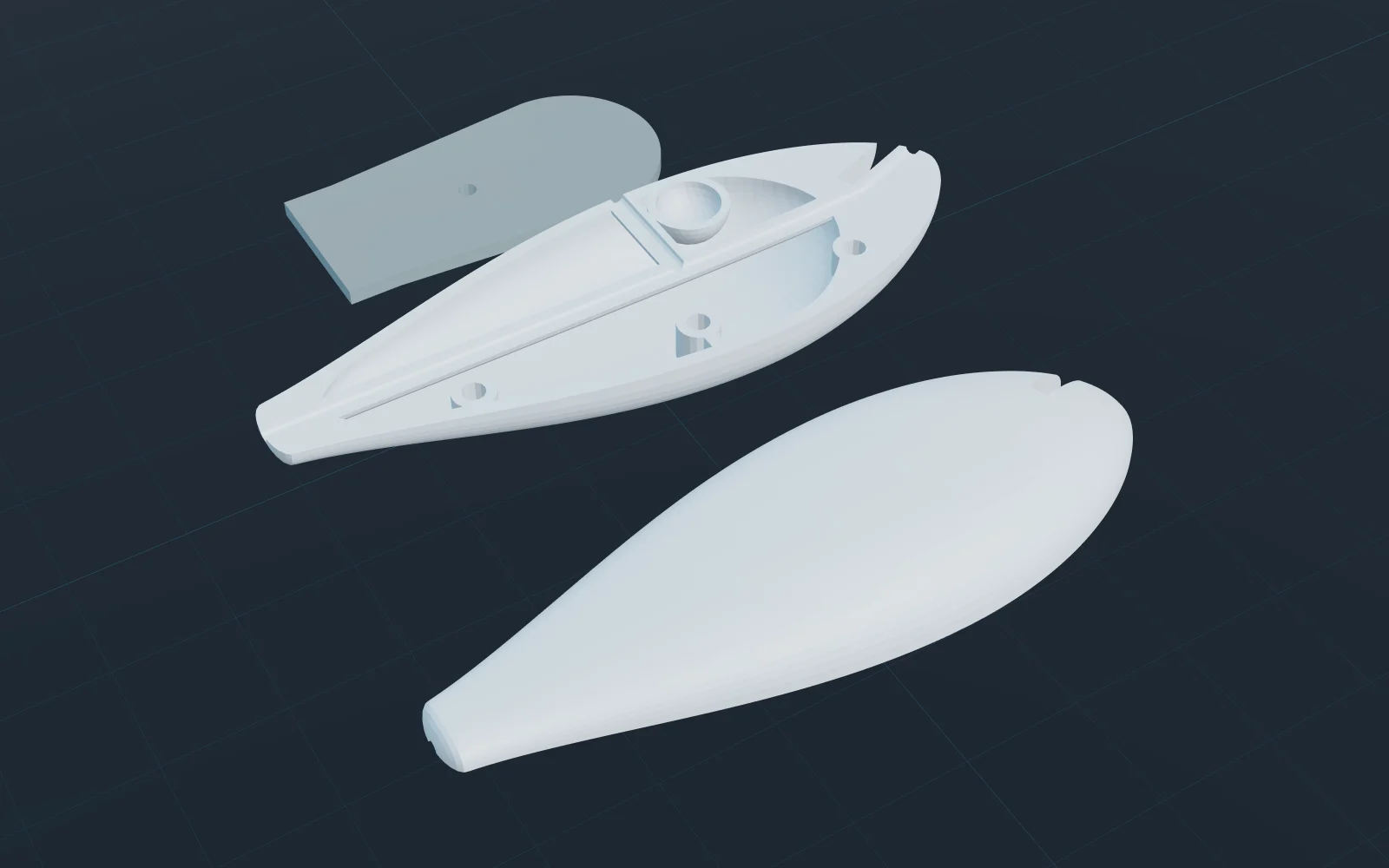
Choose the parts your lure needs
Hard-bait shells
Generate split shells with the configured ballast and hardware features. Review wall thickness, clearances, assembly order and the as-built mass estimate.
Jointed bait sections
Prepare separate sections and joint components from the same design. Check the gaps, pin fit and range of movement on a physical assembly.
Soft-bait molds
Supported soft designs export as a two-part pour mold rather than a printable soft fish. The mold still needs a suitable material and safe casting process.
STL ZIP or 3MF?
| Format | Use it for | Check before slicing |
|---|---|---|
| STL ZIP | Separate part meshes in one download. | Import in millimetres; STL does not declare a unit. Arrange and orient parts in your slicer. |
| 3MF | A package of generated parts with model units and placement. | Review object placement, orientation, supports and material settings in your slicer. |
| Multicolour 3MF (beta) | A supported paint-to-filament workflow. | Confirm filament assignments and slicer compatibility. It is not a guarantee of a matching printed colour. |
Before the first print
Review the generated build sheet and diagnostics. Check wall thickness, drainage and assembly access; then set layer height, supports and material in your slicer. Check fit, sealing and balance on a physical prototype before fishing.
How the export allowance works
Standard 3MF, STL ZIP and multicolour 3MF share the same 3D-print allowance. The trial has one export in total; a second requires a subscription. Both paid plans reset to 10 exports each subscription month, including annual plans. Unused exports do not roll over. Design JSON and assembly instructions do not use a print export.
Continue with a worked example
Follow the preparation workflow and check which design decisions need physical validation before printing.